Browser extension
REDAQ
I built REDAQ for people who want to use AI chats without handing them client data. Before a prompt is sent, it replaces sensitive values with tokens such as [IP_7K2M9QXA]. The AI answers as usual, and REDAQ puts the real values back in the answer, on your screen only.

- Price
- Free
- Runs on
- Chrome, Edge, Firefox
Screenshots
See it in use.
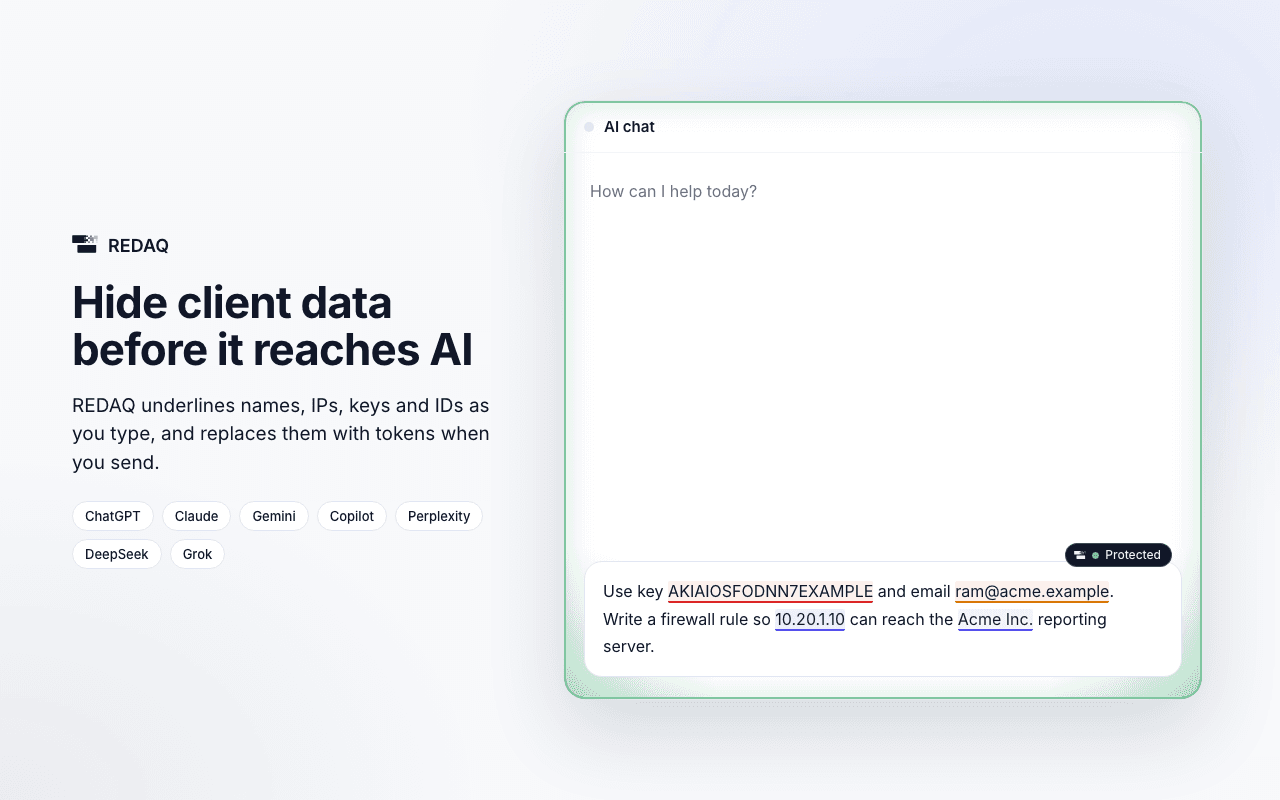
Sensitive values are underlined while you type. 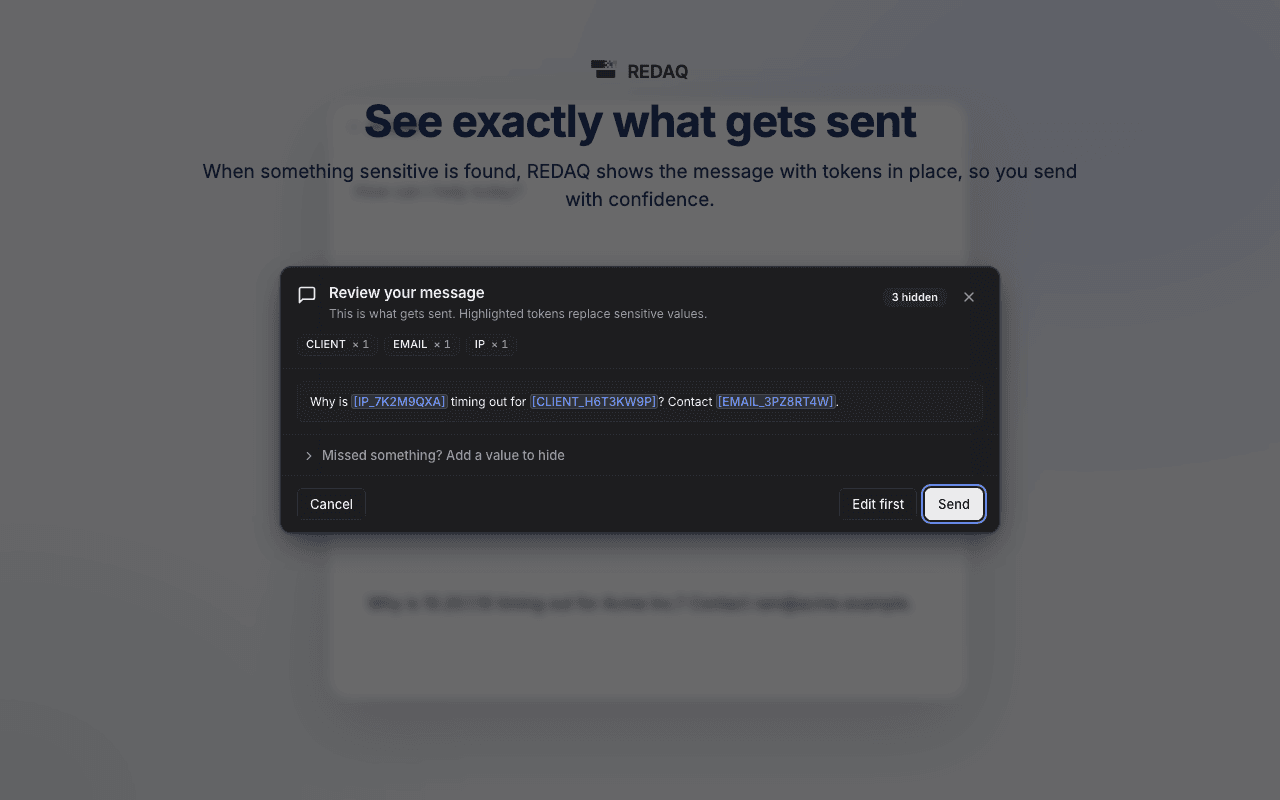
You see exactly what will be sent. 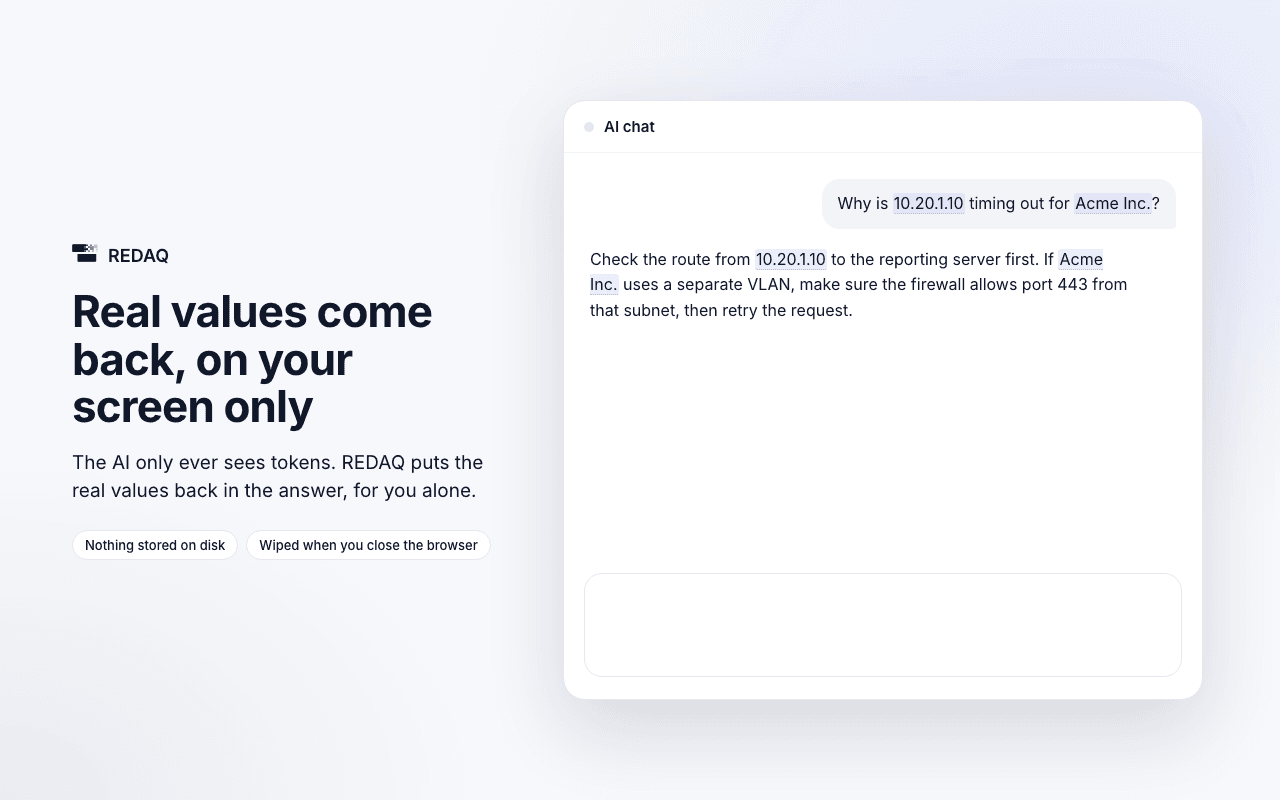
The real values come back in the answer, on your screen only. 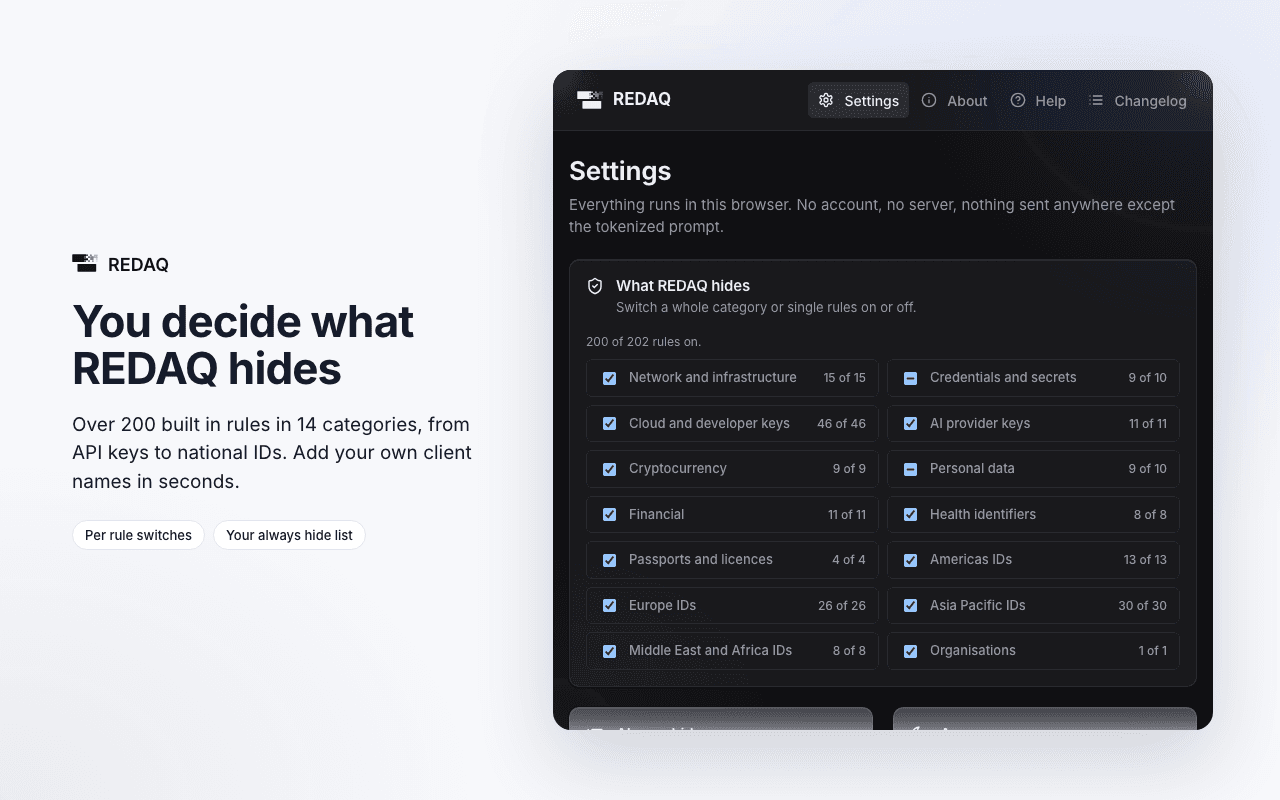
Over 200 rules in 14 categories, each one switchable. 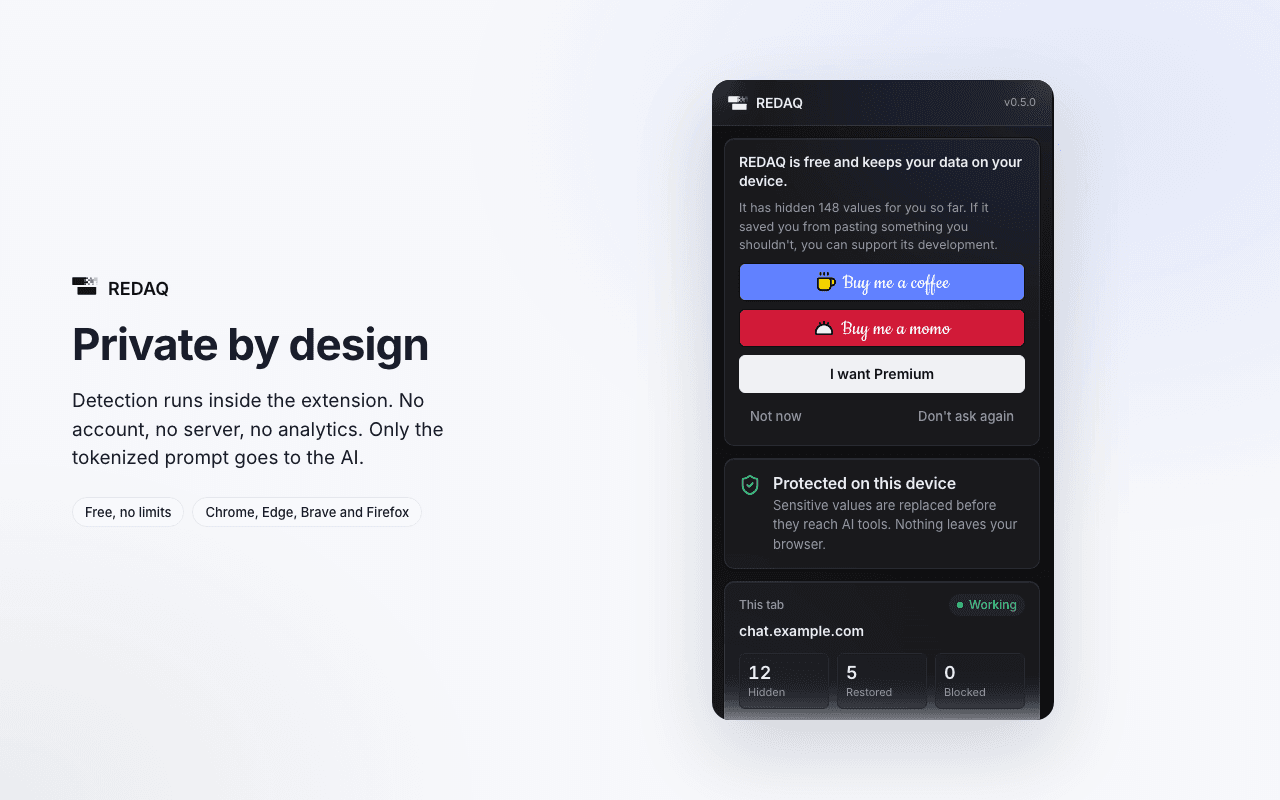
Everything stays in your browser.
How it works
What it does.
Underlines as you type
Values that will be hidden are underlined in the chat box before you send anything.
A check before sending
Enter, the send button and form submits are caught. If REDAQ can't check a message, it isn't sent.
A review panel
When something is found, you see the message with tokens in place and can hide more, once or always.
Paste and drop
Pasted or dropped text is cleaned before it lands in the chat box.
Real values in answers
Tokens in the AI's answer show their real values, drawn so the site's own scripts still only see tokens.
A network backstop
Prompts that skip the chat box, such as edited messages, are checked on the way out and blocked if needed.
Coverage
What it hides.
- Network detailsIP addresses, hostnames, URLs and domains.
- SecretsPasswords in text, private keys, tokens and API keys for AWS, GitHub, Slack, OpenAI, Anthropic and more.
- Personal dataEmails, phone numbers and dates of birth.
- Financial dataCard numbers checked with Luhn, IBANs, bank accounts and crypto wallets.
- Government and health IDsIdentifiers from many countries, checked with their check digits where they have one.
- Your own listClient and project names you add to your always hide list, with suggestions as you go.
Where data goes
Real values never leave your browser.
REDAQ runs inside your browser, with no server of its own. The AI site receives tokens, and only your screen shows the real values.
Privacy
Private by design.
- Detection, the token vault and the settings all run inside the extension.
- No account, no server, no analytics and no telemetry.
- Only the tokenised prompt reaches the AI site.
- Real values stay in memory and are wiped when you close the browser.
Works with
- ChatGPT
- Claude
- Gemini
- Microsoft Copilot
- Perplexity
- DeepSeek
- Grok
Need help keeping data safe around AI?
Tell me what you need to protect and by when. I'll reply with whether I can help and how I'd approach it.